Harald Rietman
node-red-contrib-xiaomi-devices
This module contains the following nodes to provide easy integration of the Xiaomi devices into node-red.
The following devices are currently supported:
- Temperature/humidity sensor
- Magnet switch
- Button switch
- Motion sensor
- Power plug (zigbee)
Preperation
To receive the gateway json messages on your network you need to enable the developer mode, aka LAN mode in the gateway.
A UDP input node is needed to receive the json messages. An UDP output node to send command's to the gateway.
Install
cd ~\.node-red
npm install node-red-contrib-xiaomi-devices
Usage
From the Xiaomi configurator screen add your different devices by selecting the type of device and a readable description. The readable discription is used on the different edit screen of the nodes to easily select the device you associate to the node.
Tip: use the configurator from the side-panel (hamburger menu, configuration nodes) to manage your devices. Node-red doesn't update underlying edit screens if the configuration panel is opened / closed from the edit node screen. (If you do, you need to first close the edit node screen and reopen it by double-clicking the node you want to edit the properties for.)
To receive/send json UDP messages from/to the gateway you need to enable the local LAN mode on the gateway. To receive the json UDP messages in node-red you need to add an udp-node with the correct configuration:
Listen for: multicast messages
Group: 224.0.0.50
Local ip: <empty>
On port: 9898 ipv4
Output: String
If you want to sent messages to the gateway you need to add an UDP sender, here an example configuration:
Send a: UDP message to port: 9898
Address: <ip_of_your_gateway> ipv4
This configuration worked for me however I have seen people using different configuration to make UDP work.
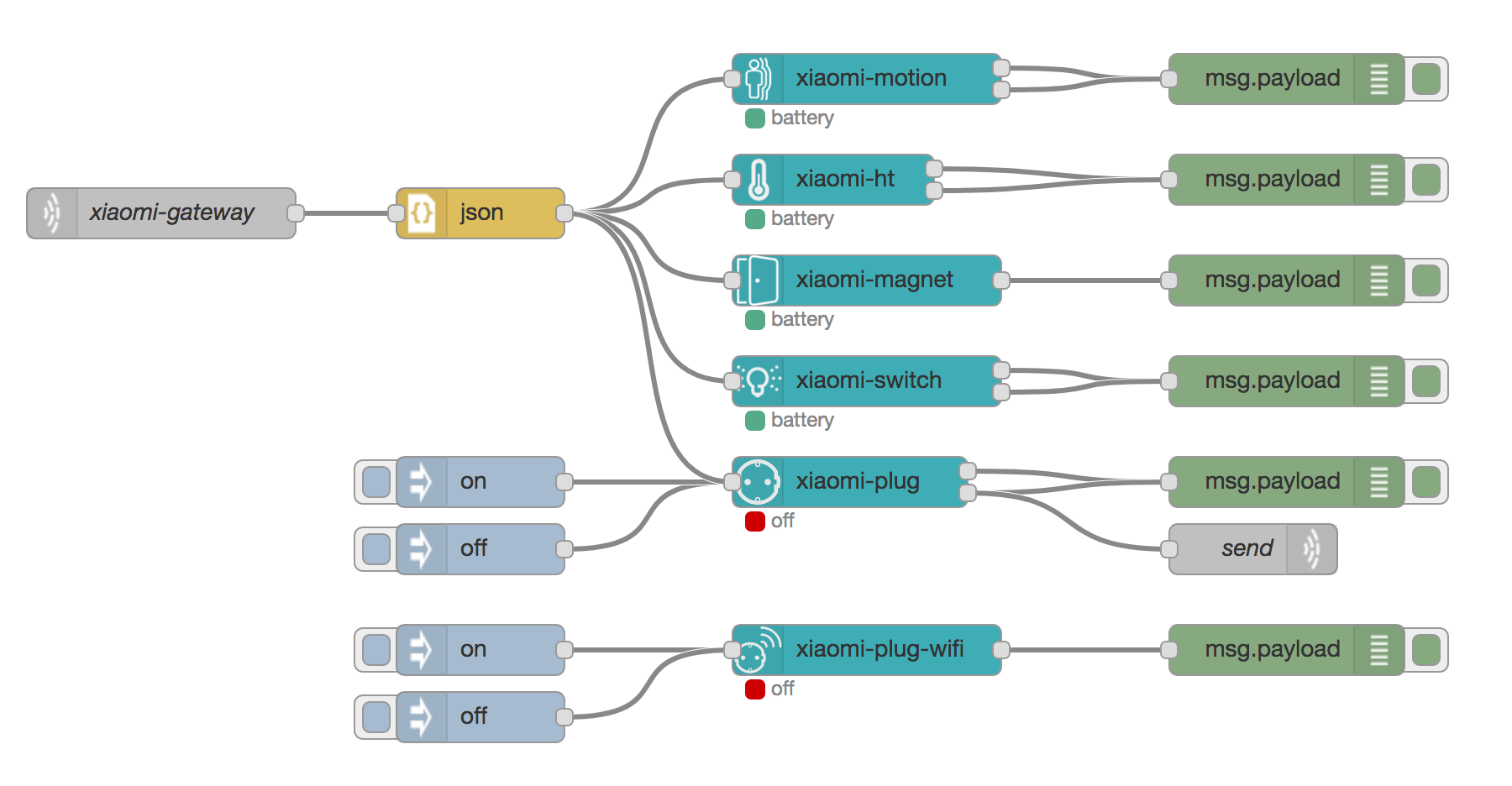
Here an example of how to use the different nodes.